



(Pre) Soft Outlines
250.000 ₫Giá
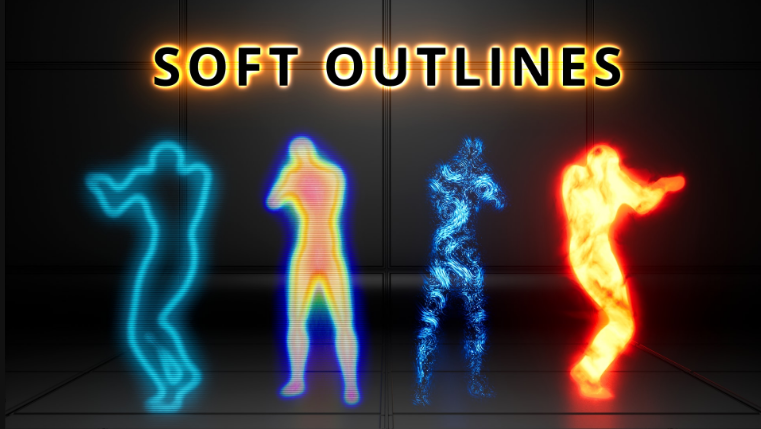
Highly efficient and scalable soft outlines post process effect
All styles support occlusion with the options of only showing occluded areas, only showing non-occluded areas or always showing everything.
This post process effect is based on custom HLSL code that is designed to achieve a soft outline effect in the most efficient way. This is achieved by leveraging temporal anti aliasing (TAA) which enables spreading out the calculations over multiple frames, significantly reducing the performance cost.
How to use
- Add a post process volume to your level and check the "Infinite Extent" tick box in the details panel
- Find the Post Process Materials section and add a new asset reference to the "Post Process Materials"
- Assign a material instance (Style) of the SoftOutline material to the asset reference
- Select meshes you wish to receive the outline and enable the "Render CustomDepth Pass" tick box
- How to use multiple outline styles (supported from engine version 4.25):
- In the project settings set "Custom Depth-Stencil Pass" to "Enabled with Stencil"
- On the outline material instance enable "UseMultipleOutlines" and set "CustomDepth Stencil Value" on both the material instance and the meshes to the same value (values from 1-255 are valid)
- Add additional outline styles to the post process volume and match it with other meshes by assign a different stencil value to the material instance and the meshes